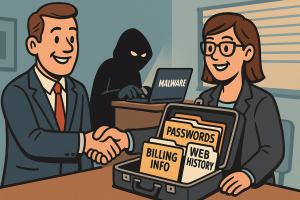
 A startup called Farnsworth & Co. has found a niche in the dark overlap between surveillance, malware, and civil litigation. Their product? Personal data stolen from infected computers—now available for purchase by debt collectors, divorce lawyers, and anyone with a grudge and a budget.
The company’s entire business hinges on access to data siphoned off by infostealer malware. This kind of software quietly grabs login credentials, browsing histories, cookies, emails, and contact lists from unsuspecting users. It then bundles the stolen data into searchable profiles. Farnsworth, for its part, packages this information and sells it as “intelligence services.” [Read more…]
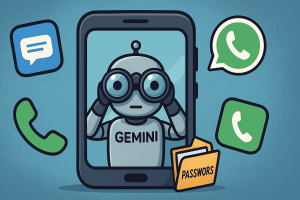 If you use an Android phone, there’s a good chance Google’s Gemini AI is now interacting with your apps, even if you thought you had disabled it. The company recently rolled out changes that grant Gemini new levels of access to messages, phone calls, and third-party apps like WhatsApp, regardless of whether users had previously opted out. If that sounds invasive, it’s because it is.
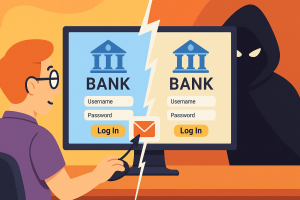 You click a link. It takes you to a site that looks exactly right. The logo matches, the name checks out, and everything feels familiar. But something’s off. And before you realize what it is, you’ve handed over your login, your credit card, or worse, your network credentials. The trick wasn’t in the layout or the content. It was in the letters.
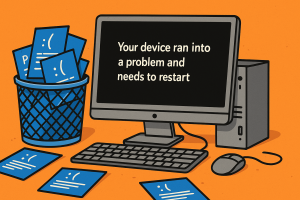 After 40 years of glaring blue error messages and frowny faces, Microsoft is giving the infamous Blue Screen of Death a final sendoff. Starting later this summer, Windows 11 devices will crash in a new color. Say hello to the Black Screen of Death.
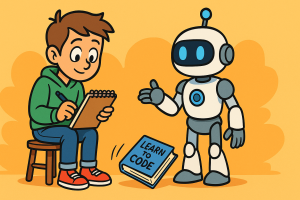 The buzz around AI-powered coding tools is hard to avoid, and I get asked about them a lot. Instead of continuing to repeat myself I figured it was time to write down exactly why I don’t use them, and why that decision isn’t about being for or against AI in some grand ideological sense. This is just a practical take based on how I work, what I value, and what actually helps me get things done.