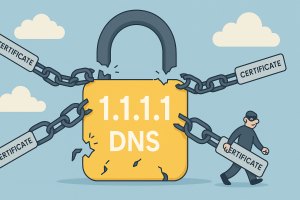
 On Wednesday, researchers uncovered three improperly issued TLS certificates for Cloudflare’s 1.1.1.1 DNS service, encrypted DNS lookup used by millions. The concern was clear: anyone with those credentials could impersonate Cloudflare’s resolver, decrypt user traffic, or redirect queries to malicious sites.
Further investigation revealed the breach was worse than initially thought. Cloudflare confirmed that Fina CA—a Microsoft‑trusted certificate authority, had in fact issued a total of twelve unauthorized certificates for 1.1.1.1 since February 2024. [Read more…]
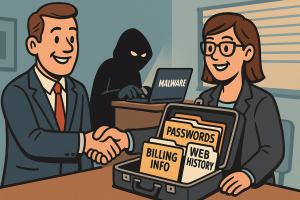 A startup called Farnsworth & Co. has found a niche in the dark overlap between surveillance, malware, and civil litigation. Their product? Personal data stolen from infected computers—now available for purchase by debt collectors, divorce lawyers, and anyone with a grudge and a budget.
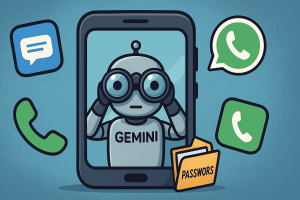 If you use an Android phone, there’s a good chance Google’s Gemini AI is now interacting with your apps, even if you thought you had disabled it. The company recently rolled out changes that grant Gemini new levels of access to messages, phone calls, and third-party apps like WhatsApp, regardless of whether users had previously opted out. If that sounds invasive, it’s because it is.
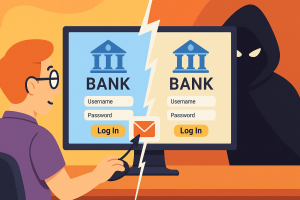 You click a link. It takes you to a site that looks exactly right. The logo matches, the name checks out, and everything feels familiar. But something’s off. And before you realize what it is, you’ve handed over your login, your credit card, or worse, your network credentials. The trick wasn’t in the layout or the content. It was in the letters.
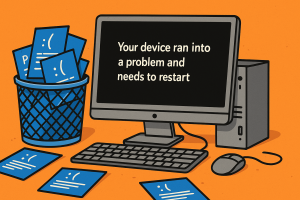 After 40 years of glaring blue error messages and frowny faces, Microsoft is giving the infamous Blue Screen of Death a final sendoff. Starting later this summer, Windows 11 devices will crash in a new color. Say hello to the Black Screen of Death.